
Dragon for Mac Ended in 2018. Try Dictation Daddy on Mac
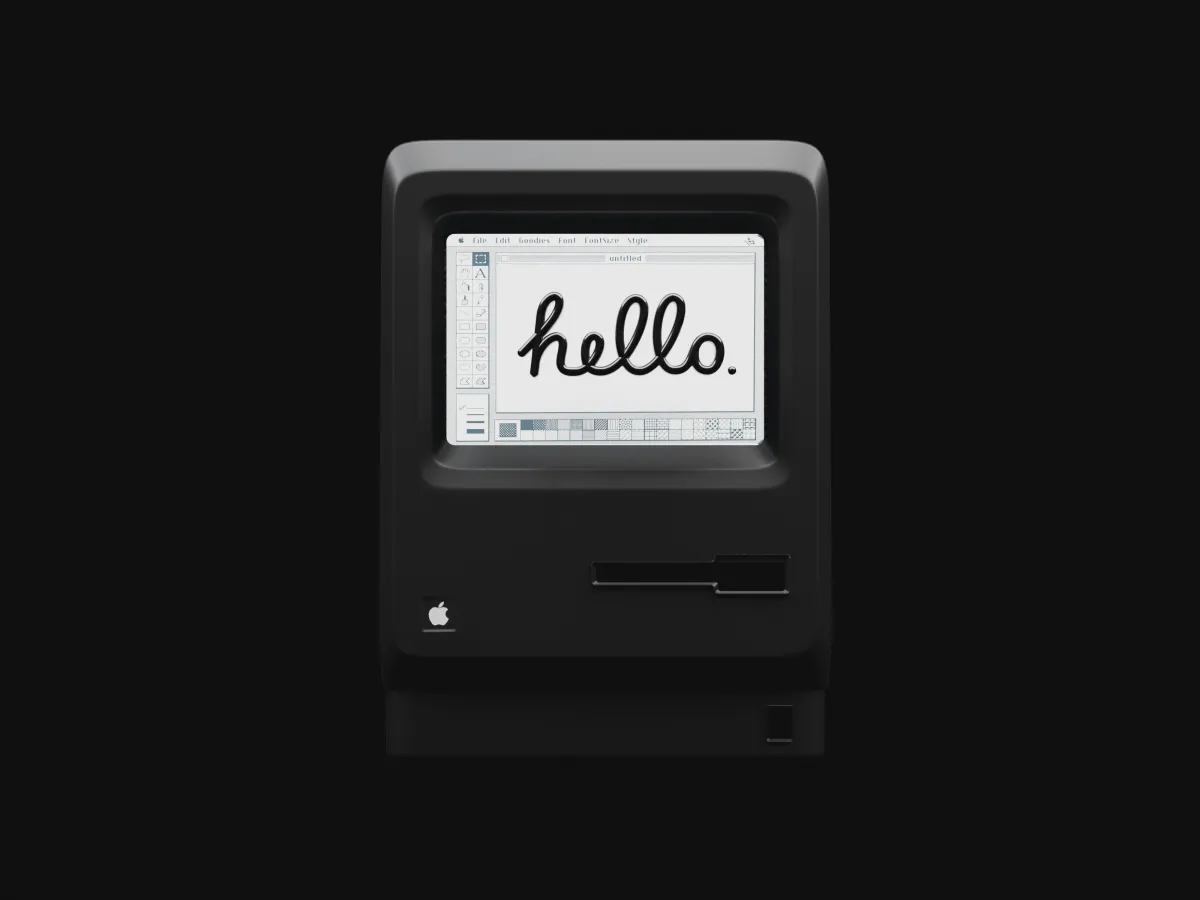
Dragon for Mac was discontinued on October 22, 2018, when Nuance ended sales of Dragon Professional Individual for Mac 6. No native Mac version of any Dragon product has been sold since. Dragon Professional v16, Dragon Legal v16 and Dragon Medical One are Windows-only as of October 2026, and the only way to run them on a Mac is inside a Windows virtual machine.
That's the short answer for anyone searching "Dragon for Mac", "Dragon Dictate for Mac" or "Dragon NaturallySpeaking for Mac". The rest of this guide covers what the old versions were, whether a copy you still own will run on a current Mac, what the Parallels route costs, where Dragon Medical One stands for Mac-based clinicians, and what Mac users dictate with instead.
What "Dragon Dictate Mac OS X" actually refers to
Nuance sold Mac dictation under four names between 2010 and 2018, and people still search for all of them.
| Product | Years sold | Notes (as of October 2026) |
|---|---|---|
| MacSpeech Dictate | 2008 to 2010 | Built by MacSpeech on Nuance's engine; Nuance bought MacSpeech in 2010 |
| Dragon Dictate for Mac (versions 2 to 4) | 2010 to 2014 | The product most "Dragon Dictate Mac OS X" searches mean; ran on OS X Snow Leopard through Yosemite |
| Dragon for Mac 5 | 2015 | Rename of Dragon Dictate; last version with a Dictate-style interface |
| Dragon Professional Individual for Mac 6 | 2016 to October 22, 2018 | Final Mac release; sales and support ended in 2018 |
| Dragon Professional for Mac, Dragon Medical for Mac | Never existed | Both products have always been Windows-only |
Dragon NaturallySpeaking was never a Mac product. It was the Windows line, renamed Dragon Professional Individual in 2015 and now sold as Dragon Professional v16. So "Dragon NaturallySpeaking for Mac" is two products that never met: NaturallySpeaking on Windows, and Dragon Dictate on Mac. The Dragon alternatives guide has the full Dictate-vs-NaturallySpeaking history.
Does Dragon for Mac still work on current macOS?
Not reliably. Dragon Professional Individual for Mac 6 was built for macOS Sierra and High Sierra. It was never updated for later macOS releases, never notarized for modern Gatekeeper, and never compiled for Apple Silicon. On an M1, M2, M3 or M4 Mac it would have to run through Rosetta 2, and users who have tried report it fails to launch or crashes on dictation. Nuance's discontinuation notice said version 6 licenses remain valid but that no updates would ship after October 22, 2018, so nothing gets fixed.
If you have a licensed copy and an older Intel Mac that still runs macOS Mojave or earlier, it may work. On anything newer, treat it as unsupported. There are no updates, no activation server guarantees, and no support channel; Nuance's site now redirects to Microsoft, which acquired Nuance in March 2022.
Can you run Dragon on a Mac with Parallels?
Yes, and it's the only official-ish route. Dragon Professional v16 runs on Windows 10 or 11, and Parallels Desktop runs Windows on a Mac, including Apple Silicon Macs via the Arm version of Windows 11. Nuance supports Dragon Professional in enterprise virtual environments; Parallels on a personal Mac isn't something Nuance tests, but it generally works with a Windows license.
The cost adds up: Dragon Professional v16 is about 700 dollars, Parallels Desktop is a yearly subscription, and you need a Windows 11 license. Then you get Dragon's Windows behavior inside a window. Dictation into Mac apps (Mail, Pages, Safari, Slack on macOS) doesn't work the way system-wide Mac dictation does; Dragon types into the Windows apps running inside Parallels, and you move text across with the clipboard or shared folders. For a handful of people with years of Dragon custom vocabulary and a Windows workflow they want to keep, that's acceptable. For everyone else it's a worse experience than native Mac dictation at several times the price.
Does Dragon Medical One work on Mac?
Not natively. Dragon Medical One is a Windows application, and there is no Mac build and none announced. Nuance's guidance for Mac-based clinicians has been the same two options: run Windows in a virtual machine, or use a partner-hosted virtual desktop (Citrix or similar VDI) where Dragon Medical One runs on a Windows server and streams to the Mac. Both are sold through resellers, which is why searches like "Dragon Medical One for Mac", "Dragon Medical One Apple Silicon" and "Dragon Medical One M2 Mac" end at a reseller's quote form rather than a download.
The VDI route works but adds latency, a second login, and per-user hosting fees on top of Dragon Medical One's own subscription and implementation fee (see the Dragon Medical One cost breakdown). PowerMic hardware works through the VDI with the right drivers; built-in Mac microphones usually do not. For a Mac-native clinical dictation setup, the medical voice recognition software for Mac guide covers what practices on Macs actually use.
Dragon Dictate for Mac microphone problems
Most microphone trouble with Dragon Dictate for Mac and Dragon for Mac comes down to four causes. Work through them in order.
| Symptom | Likely cause | What to do |
|---|---|---|
| Dragon shows no input level at all | macOS is blocking microphone access, or the wrong input is selected | Open System Settings, Privacy and Security, Microphone and allow Dragon. Then check System Settings, Sound, Input and select the microphone you're using |
| It worked with one microphone and not another | Dragon for Mac ties each profile to an audio source | Add a new audio source to your profile for the new microphone and run the microphone setup again |
| Recognition got much worse after a macOS upgrade | The app was never updated for that macOS release | There is no fix from Nuance. Version 6 stopped receiving updates on October 22, 2018 |
| Bluetooth headset cuts out or sounds muffled | Bluetooth switches to a low-quality audio mode when the mic is active | Use a wired USB headset or USB desk microphone, which is what Nuance recommended for Dragon |
If the microphone works in other Mac apps and only fails in Dragon, the problem is the discontinued app rather than your hardware, and the same microphone will work with current Mac dictation software.
Microphones for Dragon on Mac
If you're keeping Dragon in Parallels, the microphone passes through to Windows, and any USB headset or desk mic Dragon supports on Windows works. Philips SpeechMike and Nuance PowerMic devices need their Windows drivers inside the VM. If you're moving to a Mac-native tool, the same hardware works directly in macOS, and the SpeechMike setup guide covers the button mapping.
What Mac users should use instead
Apple's built-in dictation costs nothing and is already installed. Press Fn twice (or the microphone key on newer keyboards) and start talking. On Apple Silicon Macs it processes speech on-device. Accuracy is around 85-90 percent for conversational English, sessions time out after about 30-60 seconds of continuous speech, and there's no customization for technical vocabulary. For short notes and messages it's a great casual tool, and it's worth trying first because it costs nothing.
For professional dictation on a Mac, I use Dictation Daddy for everything: emails, documentation, articles, notes. Full disclosure, you are reading this on the Dictation Daddy website, so we are a little biased. But our users back it up, see what real users are saying.
Dictation Daddy for Mac hits 96-98 percent accuracy without any training period. That's 2-4 errors per 100 words instead of 10-15, and it holds for technical, medical and legal terminology from day one. Punctuation, capitalization, paragraph breaks, list formatting, and even backslash handling are all done automatically without voice commands. You do not need to say "period" or "new paragraph" because the AI handles it based on your speech patterns. When you say something like "I want to schedule a meeting for Tuesday, sorry, Wednesday" it understands you meant Wednesday and cleans up the output.
It works natively on current macOS versions and Apple Silicon, there's no local profile to corrupt or retrain when you change machines, and it works on Mac, Windows, iPhone, Android, and Chrome extension. The apps do not sync between devices, but dictation works everywhere. There is also a bring-your-own-key option if you want to connect your own API key for even more control over which cloud model handles your transcription. Pricing is under 100 dollars per year, with a 7-day free trial and no credit card required. For enterprises needing SOC 2 or HIPAA compliance, there is a dedicated plan.
The tradeoff is that Dictation Daddy uses cloud processing, so your audio does leave your device. If you need fully offline dictation on a Mac, Apple's built-in dictation on Apple Silicon is the on-device option, and Whisper-based Mac apps such as those in the Apple Dictation alternatives roundup run locally too.
| Dragon for Mac 6 (2018) | Dragon Professional v16 in Parallels | Apple Dictation | Dictation Daddy | |
|---|---|---|---|---|
| Runs on Apple Silicon | No | Yes, via Windows 11 Arm | Yes | Yes |
| Runs on current macOS | Unsupported | Inside Windows only | Yes | Yes |
| Price | Not sold | About $700 plus Parallels and Windows | Free | Under $100 per year |
| Voice training | Required | Required | None | None |
| Automatic punctuation | No | No | Partial | Yes |
| Technical vocabulary from day one | No | After training | No | Yes |
| Works in every Mac app | Yes, when it ran | No, Windows apps only | Yes | Yes |
When Dragon in Parallels still makes sense
Two cases. You already own Dragon Professional for Windows, have years of custom vocabulary and macros, and mostly work in Windows apps anyway; Parallels keeps that investment alive on a Mac. Or your organization mandates Dragon Medical One and provides the hosted desktop; in that case the VDI is a given and the Mac is just the thin client.
Outside those, a Mac user searching for Dragon is usually looking for the accuracy Dragon had in 2015, and that bar is cleared today without training, without Windows, and for less money.
The Bottom Line
Dragon for Mac ended in 2018, Dragon Medical One never came to the Mac, and the Parallels workaround costs more than it's worth for most people. Start with Apple's built-in dictation because it's free, and when you need accuracy on longer passages and technical terms without saying "comma" every few words, try Dictation Daddy. We know we are biased, you are on the Dictation Daddy website. Check the testimonials and try it yourself.
FAQ
Is Dragon still available for Mac?
No. Nuance discontinued Dragon Professional Individual for Mac on October 22, 2018, and Microsoft, which acquired Nuance in 2022, has not revived it. Dragon Professional v16, Dragon Legal v16 and Dragon Medical One are Windows-only.
What was Dragon Dictate for Mac?
Dragon Dictate for Mac was Nuance's Mac dictation software from 2010 to 2014, built from MacSpeech Dictate after Nuance bought MacSpeech. It became Dragon for Mac 5 in 2015 and Dragon Professional Individual for Mac 6 in 2016, which was the last Mac version.
Does Dragon for Mac work on Apple Silicon or the latest macOS?
No. The final Mac version (2016 to 2018) was never updated for 64-bit-only macOS, modern Gatekeeper, or Apple Silicon. It may run on an older Intel Mac with macOS Mojave or earlier; on current Macs it is unsupported and generally fails to launch.
Can I run Dragon Professional on a Mac?
Only inside a Windows virtual machine such as Parallels Desktop, which needs a Windows 11 license plus Dragon Professional v16 at about 700 dollars. Dragon then dictates into Windows apps inside the VM, not system-wide into Mac apps.
Does Dragon Medical One work on Mac?
Not natively. Dragon Medical One is Windows-only. Mac-based clinicians use a Windows virtual machine or a reseller-hosted virtual desktop, which adds hosting fees and latency on top of the subscription and the 525 dollar per-user implementation fee.
Is there a free Dragon for Mac download?
No. There was never a free Dragon for Mac, and the paid version is no longer sold. Any site offering a "Dragon Dictate for Mac free download" is distributing an abandoned 2018 build or something that isn't Dragon. Apple's built-in dictation is the free option on a Mac.
What replaced Dragon Dictate for Mac?
For casual use, Apple's built-in dictation, which costs nothing and runs on-device on Apple Silicon. For professional use, AI dictation apps that need no training: Dictation Daddy reaches 96-98 percent accuracy on Mac from the first sentence, with automatic punctuation and formatting, for under 100 dollars per year.
Which microphone works for dictation on a Mac?
Any USB headset or desk microphone macOS recognizes. Philips SpeechMike and Nuance PowerMic devices work natively in macOS with Mac-native dictation apps, and inside Parallels with their Windows drivers if you keep Dragon.
Ready to try it?
Turn your voice into polished text
Free 7-day trial. Works in every app. No credit card required.